
Table of Contents
ToggleVideo editing has become one of the most essential skills in today’s digital world, whether you are creating content for YouTube, social media platforms, business promotions, or personal projects. High-quality video editing can completely transform raw footage into a compelling visual story that captures attention and keeps viewers engaged. Understanding effective video editing tips is not just about learning software tools, but also about developing a creative mindset that helps you organize clips, enhance visuals, improve audio quality, and maintain a smooth storytelling flow. In this article, we will explore practical and professional video editing tips that can help beginners as well as intermediate editors improve their skills and produce more polished content.
Understanding the Basics of Video Editing
Before diving into advanced video editing tips, it is important to understand the basics of editing. Video editing involves selecting, cutting, and arranging video clips in a sequence that tells a story or delivers a message. It also includes adding transitions, effects, background music, and text overlays to enhance the viewing experience. A strong foundation in these basics allows editors to work more efficiently and avoid unnecessary complications later. Many beginners make the mistake of overusing effects, but professional editing is often about simplicity and clarity. Keeping your edits clean and purposeful ensures that the audience focuses on the content rather than distractions.
Essential Video Editing Tips for Beginners
One of the most important video editing tips for beginners is to always start with organized footage. Before you begin editing, sort your clips into folders such as “best shots,” “audio,” and “background music.” This saves time and makes the editing process smoother. Another key tip is to keep your timeline clean and avoid unnecessary clutter. Trim unwanted sections and remove repetitive scenes to maintain viewer interest. Beginners should also learn keyboard shortcuts in their editing software because they significantly speed up workflow. Additionally, always preview your video multiple times before final export to ensure smooth transitions and proper synchronization between audio and visuals.
Advanced Video Editing Tips for Professional Results
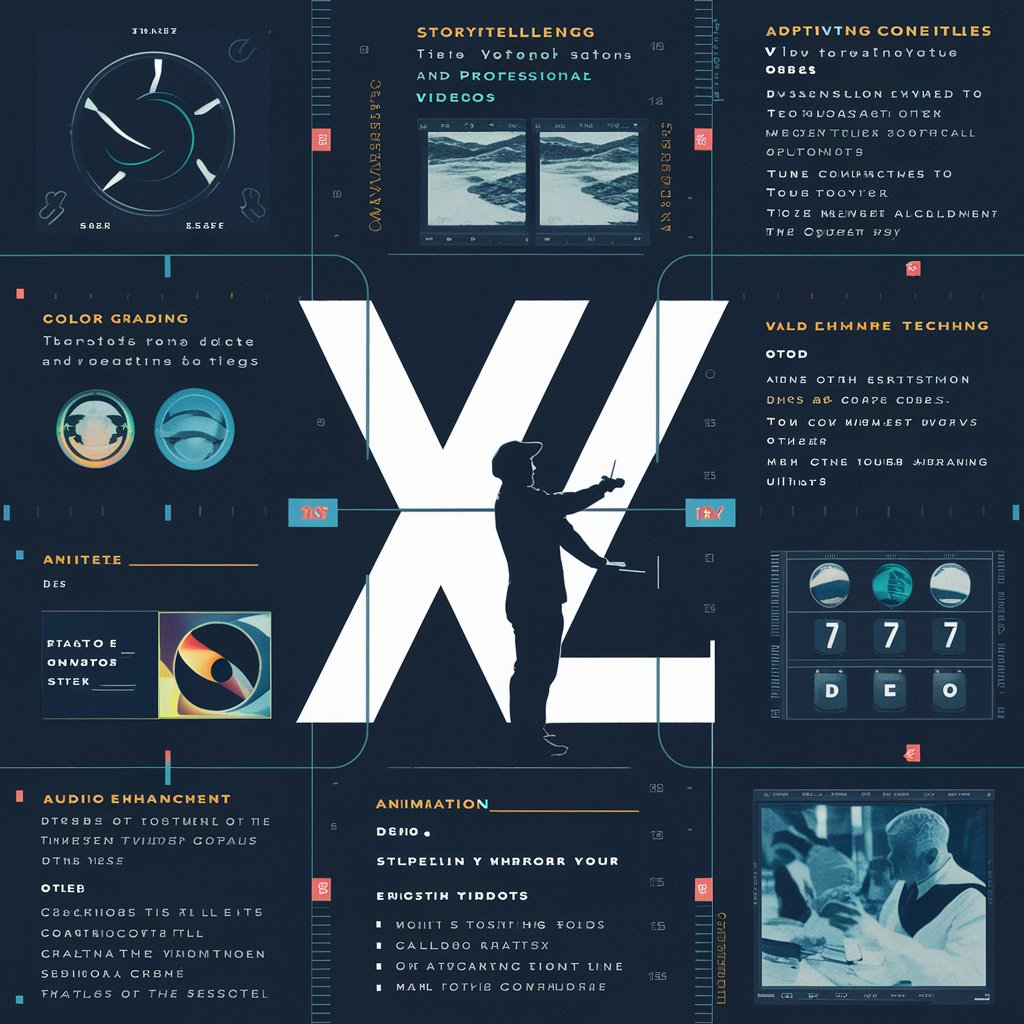
For more advanced editors, mastering color grading is one of the most powerful video editing tips to improve visual quality. Color grading helps set the mood of the video, whether it is cinematic, bright, dramatic, or natural. Another advanced technique is sound design, which includes balancing background music, voiceovers, and sound effects to create an immersive experience. Professionals also focus on pacing, ensuring that the video does not feel too slow or too fast for the audience. Motion graphics and keyframe animation can also be used to add dynamic movement to text and visuals, making the content more engaging and modern.
Video Editing Tips for Better Storytelling
A strong video is not just about visuals but also about storytelling. One of the most effective video editing tips for storytelling is to structure your video with a clear beginning, middle, and end. The opening should grab attention immediately, the middle should deliver value or information, and the ending should leave a lasting impression. Using emotional cues such as music and pacing can help guide the viewer’s feelings throughout the video. Cutting unnecessary scenes and focusing only on meaningful content ensures that the story remains clear and impactful. Good storytelling keeps viewers watching until the end, which is especially important for online platforms.
Common Mistakes to Avoid in Video Editing
Many beginners struggle with common mistakes that reduce the quality of their videos. One major mistake is overusing transitions and effects, which can make the video look unprofessional. Another mistake is ignoring audio quality, as poor sound can ruin even the best visuals. Some editors also fail to maintain consistency in style, such as changing fonts, colors, or pacing too often. Exporting videos in low resolution is another issue that affects final output quality. Avoiding these mistakes is just as important as following good video editing tips because it ensures your final product looks polished and professional.
Software and Tools for Video Editing
Choosing the right software plays a big role in applying video editing tips effectively. Popular tools like Adobe Premiere Pro, Final Cut Pro, and DaVinci Resolve offer advanced features for professional editing. For beginners, simpler tools like CapCut or Filmora can be a good starting point. Each software has its own strengths, but the key is to master one tool before moving to another. Understanding your editing software deeply allows you to work faster and implement creative ideas more efficiently.
Conclusion: Mastering Video Editing Tips for Success
Video editing is both an art and a technical skill that improves with practice and creativity. By applying the right video editing tips, you can transform simple footage into engaging, high-quality videos that attract and retain viewers. From organizing your clips and improving storytelling to mastering advanced techniques like color grading and sound design, every step plays an important role in the final result. Consistency and practice are key to becoming a skilled video editor. As you continue learning and experimenting, your editing style will naturally evolve, helping you create more professional and impactful content.
Frequently Asked Questions (FAQs)
1. What are the most important video editing tips for beginners?
The most important tips include organizing footage, trimming unnecessary clips, learning shortcuts, and focusing on clean storytelling without overusing effects.
2. Which software is best for video editing?
Popular choices include Adobe Premiere Pro, Final Cut Pro, and DaVinci Resolve for professionals, while CapCut and Filmora are great for beginners.
3. How can I improve my video editing skills quickly?
Practice regularly, watch tutorials, analyze professional videos, and experiment with different editing styles to build confidence and speed.
4. Why is audio important in video editing?
Good audio enhances the viewing experience and ensures your message is clear. Poor sound quality can make even high-quality visuals less effective.
5. What is the biggest mistake in video editing?
One of the biggest mistakes is overusing effects and transitions, which can distract viewers and reduce the professional look of the video.